Netherlands business email list for company-level prospecting
The Netherlands business email list gives your team a downloadable file covering 1 734 524 companies, with 1 766 902 email addresses and 1 287 343 phone numbers. Use it to research Dutch businesses, organise account lists and prepare relevant outreach in Excel rather than relying on a subscription platform.
Available in XLSX and CSV from 199 € as a one-time purchase, the full country file includes company identifiers and contact fields. Download the free 50-row sample to assess the layout before buying.
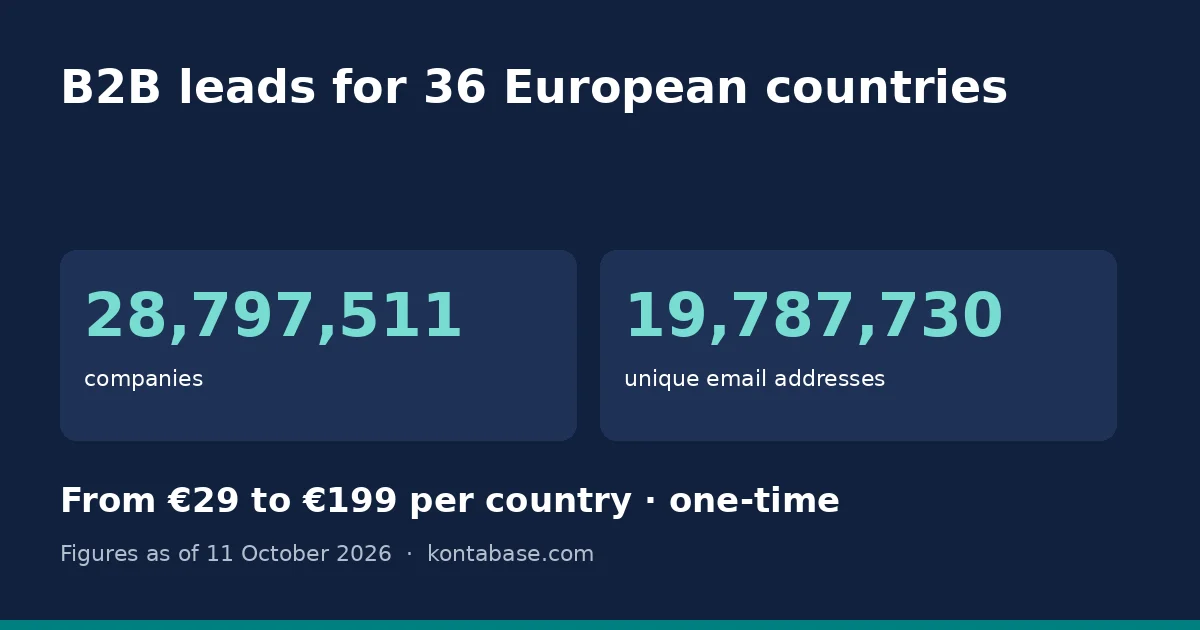
- companies
- 1 734 524
- companies
- unique email addresses
- 1 766 902
- unique email addresses
- per country, one-time
- €29–199
- per country, one-time
- Downloadable XLSX and CSV
- Free 50-row sample
- One-time payment, no subscription
- Company-level contact data
What's in the database
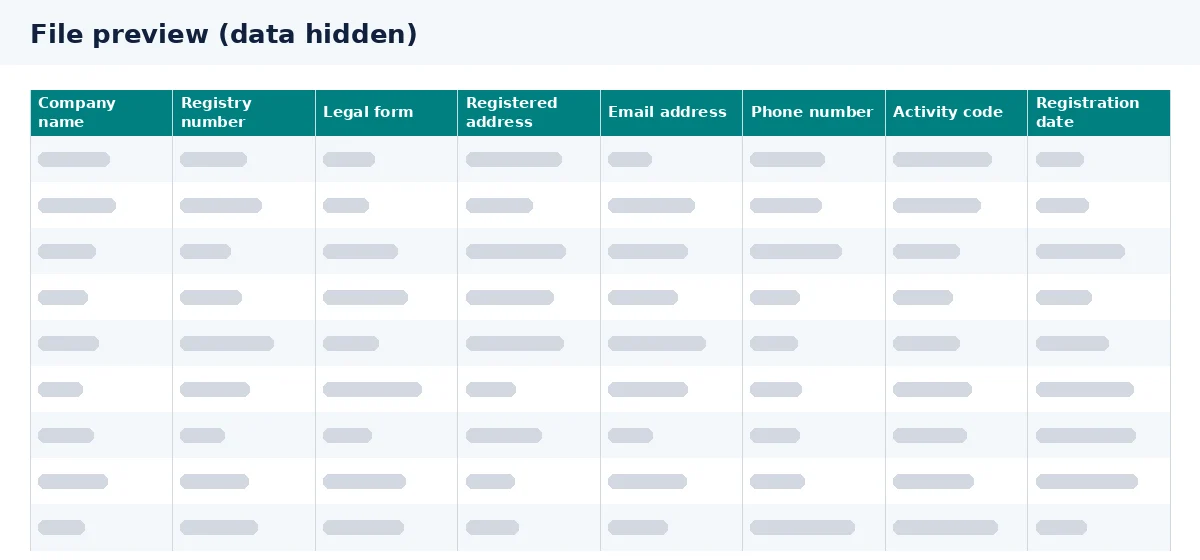
The file combines company identification, address information and business contact fields. Its coverage totals are separate measures: the email count is not a count of companies with a usable inbox, and the phone count does not establish that every business has a number. Review the sample for the structure and contact availability that matter to your workflow.
This is company-level data, not a directory of individual buyers. The table below separates included fields from information you would need to research elsewhere. In particular, turnover, employee counts and named decision-makers are not supplied.
| Field | What's included |
|---|---|
| Company name | Included: company name |
| Registry number | Included: company identifier for matching records |
| Address | Included: address and postcode |
| City | Included within the address |
| Region | Not included as a separate field; use city and postcode for territory selection |
| Industry code | Included: industry code |
| Employees | Not included |
| Revenue / turnover | Not included |
| Phone | Included: phone field |
| Included: email field | |
| Website | Not included |
| Board members | Not included |
| Decision-makers | Not included |
| Legal form | Included: company legal form |
| Registration date | Included: date of registration |
Filters you can use in Excel
Download the file and apply Excel filters to the supplied columns. Start with the businesses you want to investigate, then narrow the sheet to relevant locations, sectors or company types. These are spreadsheet operations, not built-in online search filters.
- Region: filter by city or postcode to build a territory list. A separate region field is not included, so any regional grouping needs your own mapping.
- Industry: use industry codes to select sectors relevant to your product or service. Check the meaning of the codes before defining your shortlist.
- Size: employee counts and revenue are not in the file. You cannot filter reliably by company size without adding suitable information from elsewhere.
- Legal form: select the legal forms that fit your account criteria, rather than assuming every registered business has the same structure.
- Founding date: filter by registration date as the available reference. Registration and the start of trading are not necessarily the same event.
Prices and how to get your file
The full Netherlands file is available from 199 €, paid once rather than through a recurring subscription. You receive a downloadable database in XLSX and CSV for your own research and spreadsheet work. The free sample lets you assess the columns before committing to the full file.
Choose XLSX for straightforward spreadsheet review or CSV for a compatible import process. Before importing, check how your software handles registry numbers, postcodes and phone fields so it does not alter identifiers or strip useful formatting.
| Option | Price | What you receive |
|---|---|---|
| Netherlands sample | Free | 50 rows to inspect before purchase |
| Full Netherlands database | 199 € | Full country file in XLSX and CSV; one-time payment |
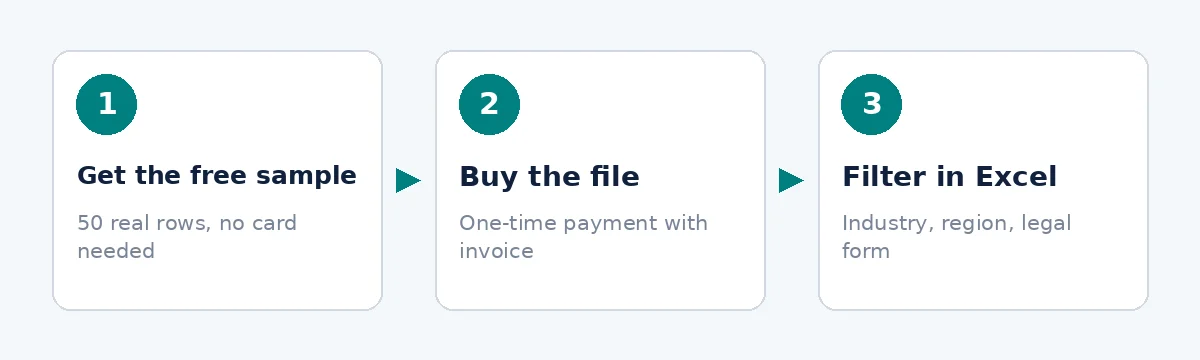
- 1
Get the free sample
Review 50 rows and assess the available fields.
- 2
Buy the file
Purchase the full Netherlands database with a one-time payment.
- 3
Filter in Excel
Narrow the file by industry code, city, postcode or legal form.
Who uses it?
Sales, marketing and recruitment teams can use the file to organise company research. The following examples are illustrative workflows, not customer stories or promised results. A record identifies a business to investigate; it does not establish interest in your offer or permission to contact it.
Sales: prepare a territory shortlist
Example: a supplier selects relevant industry codes and cities, then uses registry numbers to compare the shortlist with existing accounts. Its sales team researches suitability before deciding whether and how to approach each business.
Marketing: plan sector-specific messaging
Example: a marketing team groups companies by industry code and legal form to explore different audiences. It checks relevance and applicable marketing rules before choosing a channel, rather than treating every email address as campaign-ready.
Recruitment: research potential client companies
Example: a recruitment agency identifies businesses in its specialist sector and researches their hiring needs separately. The file supports employer research, but it does not provide vacancies, hiring managers or evidence that a company is recruiting.
Is it legal?
Buying a business database does not automatically make every intended use lawful. GDPR can apply when a record identifies a person, including some business email addresses and sole-trader details. Decide what information you need, why you need it and how long you should retain it.
B2B legitimate interest may support some personal-data processing where the legal conditions are met. That requires a purpose, necessity and balancing assessment; it is not blanket permission for unsolicited email. Dutch electronic marketing rules must also be considered separately, including any applicable consent requirements.
Provide required privacy information, respect objections and maintain suppression records so excluded contacts are not added back into campaigns. Restrict access to the file and avoid retaining unnecessary personal data. For an overview, read our B2B GDPR guidance, and obtain legal advice for your particular campaign.
Prepare the file for your workflow
Keep an unchanged copy of the download and work from a separate sheet when filtering or adding notes. Use registry numbers to match company records where appropriate, and review duplicates before importing into your CRM. Do not treat shared contact details as proof that separate records represent the same legal entity.
For broader company research, see the Netherlands company database. If your project extends beyond the Dutch market, browse all business email lists and assess each country separately. Contact totals, useful fields and legal considerations should be checked against the needs of each campaign.
Frequently asked questions
What does the Netherlands B2B email list include?
The download includes company name, registry number, legal form, address with city and postcode, email, phone, industry code and registration date. It covers 1 734 524 companies. Revenue, employee counts, websites, board members and decision-makers are not included, so workflows requiring those fields need additional research.
Can I inspect the Netherlands company email list before buying?
Yes. Download the free 50-row sample to review the layout, included columns and contact availability. Use it to check whether the file works with your spreadsheet or import process. The sample is an evaluation aid, not a guarantee that every company in the full database has every contact field populated.
Is the Dutch business email database a subscription?
No. The full Netherlands country file is a one-time purchase from 199 €, with downloadable XLSX and CSV formats. You can review the free sample before buying. This is a file for your own company research and account selection, rather than recurring access to a prospect-search platform.
Can I filter Dutch company contacts by turnover?
Turnover is not in the file, and neither is employee count. You therefore cannot use those measures to filter companies directly in Excel. Available criteria include industry code, legal form, city, postcode and registration date. Add separately researched size data if company scale is essential to your selection.
Are Dutch business email addresses guaranteed to reach decision-makers?
No. The database contains company-level contact fields and does not include decision-makers or board members. The email total does not establish who monitors each inbox or guarantee deliverability. Research the relevant company and contact route before outreach, and assess whether your intended communication is both appropriate and lawful.
Can I use a Netherlands email database for cold outreach?
That depends on your recipients, message and applicable rules. Possessing an address does not establish consent or another permission to send marketing. Assess GDPR obligations where personal data is involved and check Dutch electronic marketing requirements separately. Legitimate interest alone should not be treated as automatic authorisation for an email campaign.
Check the sample before choosing the full database
Download the free 50-row sample to inspect the columns and test your workflow. When the file fits your needs, buy the full Netherlands database from 199 € as a one-time purchase and prepare your company shortlist in Excel.