How to buy business leads that fit your sales process
Buying business leads starts with defining what your team actually needs: companies to research, contact details for outreach or enquiries from people already considering a purchase. These are different products, even when sellers use the same label.
This guide explains how to compare sources, inspect a sample and plan the work after purchase. If your starting point is company-level prospecting, business email lists can help you build a shortlist, but they do not replace qualification or permission checks.
- European countries
- 36
- European countries
- rows in the free sample
- 50
- rows in the free sample
- one-time purchase, not a subscription
- 1
- one-time purchase, not a subscription
- Downloadable XLSX/CSV files
- One-time purchase
- Sample: any email accepted
Define what you mean by a business lead
A company record identifies a business. A contact record provides a route to a person or inbox. A qualified sales lead suggests that someone has a relevant need and may be willing to discuss it. Before comparing suppliers, decide which of these your sales process requires. Otherwise, a useful company database can look disappointing simply because you expected booked conversations.
Write a short buying brief covering territory, industry, legal form and intended outreach channel. Include the fields you cannot work without. A distributor mapping potential retail accounts may mainly need industry codes and locations. A seller targeting a particular executive needs contact-level research that a company list alone cannot supply.
Also define exclusions: existing customers, unsuitable sectors, businesses outside your territory and records your team must not contact. These rules make sample testing more meaningful. Rather than asking whether a list is generally good, ask whether you can use it to build a relevant, manageable prospecting queue.
Kontabase offers company-level B2B leads as downloadable files. Treat these as inputs to account research and qualification, not evidence of purchase intent, confirmed budgets or consent to receive marketing.
Compare free registers, downloadable lists and contact services
The right source depends on whether you need to verify individual businesses, organise a market-wide shortlist or identify specific people. Official registers are useful starting points for legal identity checks. They may offer free searches, but available fields, bulk access and reuse conditions vary by jurisdiction.
Commercial providers package data for different workflows. Some focus on downloadable company records; others offer searchable contacts or lead-generation services. Do not assume that similar product names mean equivalent coverage. For other providers' current features, prices and contractual terms, check their website.
Compare the total work required, not only the purchase price. A free lookup can suit occasional checks but require considerable manual work for a large research project. A file can simplify filtering while still leaving contact validation and qualification to your team. Ask what you receive, what remains your responsibility and what the supplier means by a lead.
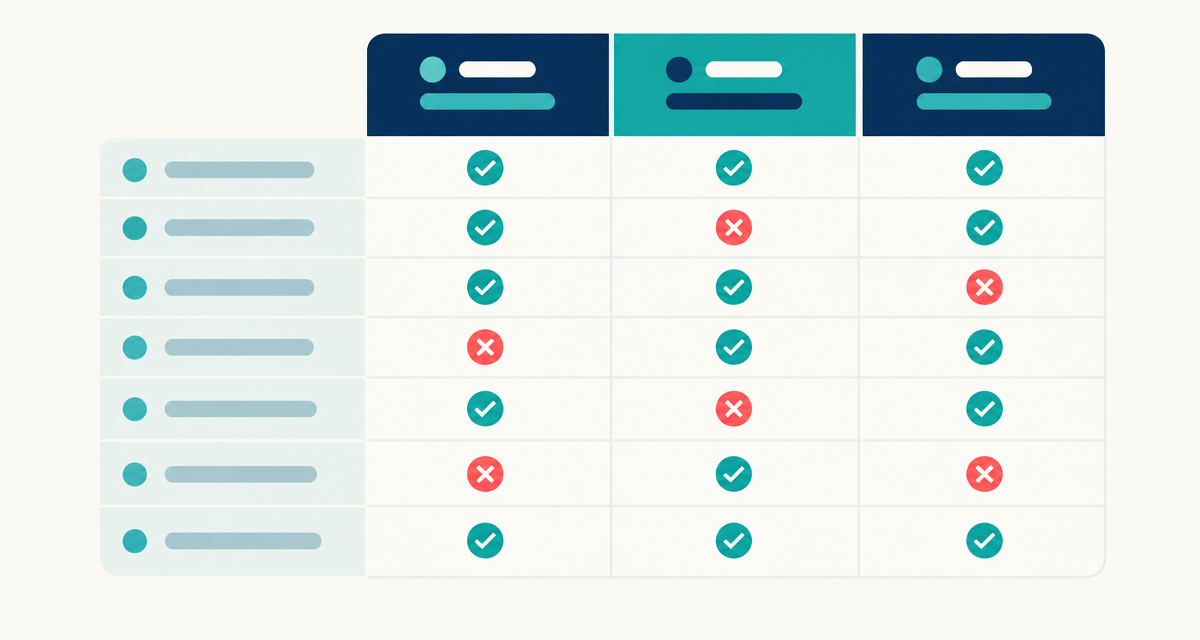
| Source | Best suited to | What to check |
|---|---|---|
| Official business register | Checking registered identity and legal details | Available fields, search access and reuse conditions |
| Downloadable company database | Filtering accounts in a spreadsheet or preparing a CRM import | Country coverage, columns, missing values and purchase terms |
| Contact-search or sales-intelligence service | Researching people and roles, where offered | Actual role coverage, export rights and subscription terms |
| Lead-generation service | Enquiries or appointments under an agreed brief | Qualification definition, exclusivity and how interest is established |
Where to find business leads worth evaluating
Start with the market you sell into, rather than a broad search for the biggest available list. Country coverage and field relevance matter more than a supplier's overall catalogue. Use the same brief for every source so that comparisons remain consistent.
The following sequence helps you move from a vague requirement to a shortlist you can inspect. Keep notes on unresolved questions and ask the supplier before purchasing rather than filling gaps with assumptions.
- Find the relevant official register. Use the country's official business-registration authority to understand identifiers and available company information. Check whether searches are free and whether bulk access has separate conditions.
- Locate providers covering your territory. Look for clear country-specific product information. For account research, a company database for sales is a relevant category to evaluate.
- Request a usable sample. Prefer records you can open and inspect over a screenshot alone. Test columns, formatting and relevance against your written buying brief.
- Read the scope and terms. Confirm the file format, purchase model, permitted uses and any limitations. Ask about update information and contact-field coverage where these are unclear.
- Choose according to your workflow. Buy only when the available fields support your next step. If you need named decision-makers, do not substitute a company-only file without planning separate research.
Inspect the sample before you commit
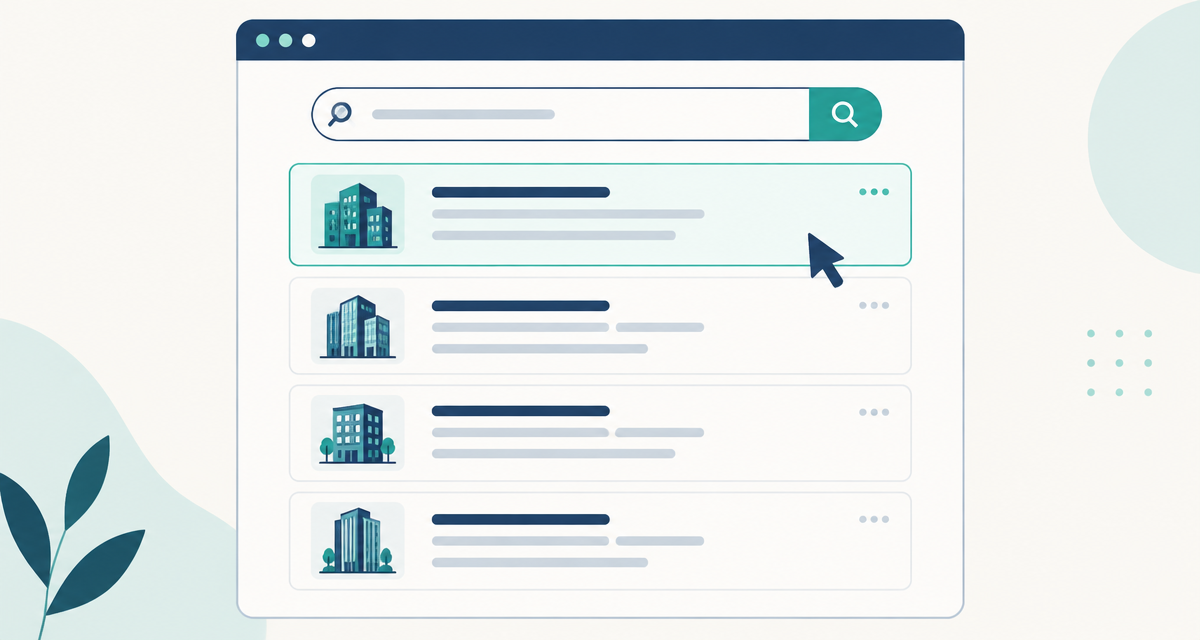
A sample should answer practical questions. Can you open the file without losing characters? Do registry numbers and postcodes retain their formatting? Can you distinguish company identity fields from contact fields? Import identifiers as text where needed, particularly when leading zeros matter.
Kontabase supplies a free 50-row sample, with any email accepted. Its company-data fields cover name, registry number, legal form, address, city, postcode, email, phone, industry code and registration date. Check the sample to see how those columns work for your process, rather than assuming every record will contain every contact detail.
Revenue, employee count, board members and decision-makers are not included. If your ideal customer profile depends on turnover or headcount, you will need additional information. Registration date can support company-age research, but it does not necessarily tell you when commercial activity began.
Review relevance as well as structure. Select records that appear suitable and investigate whether their activities match your offer. Industry classifications are useful filters, not complete descriptions of a business. A small sample helps assess layout and fit; it cannot establish the accuracy or deliverability of every record in the full database.
Check the purchase terms and prepare the file for sales
Before paying, confirm exactly which country or dataset you are buying and which formats are supplied. Ask how updates are handled instead of assuming future releases are included. Check current pricing and purchase terms on the relevant product page; compare like-for-like scope across your shortlist.
Kontabase sells XLSX/CSV company files for 36 European countries through a one-time purchase. This model suits teams that want to work with a downloaded dataset rather than maintain access to a subscription platform. It does not remove the need to keep your working records current.
After purchase, preserve an unchanged copy and prepare a separate working file. Standardise the columns you need, remove duplicate accounts and compare the list against existing customers and suppression records. Registry numbers can help with matching, but use country context and inspect exceptions before merging records.
Filter by territory, industry and legal form, then research the remaining accounts. Assign ownership in your CRM and record why each prospect is relevant. For a handover that salespeople can use, add research notes and next actions rather than importing an undifferentiated list.
Separate buying data from permission to contact
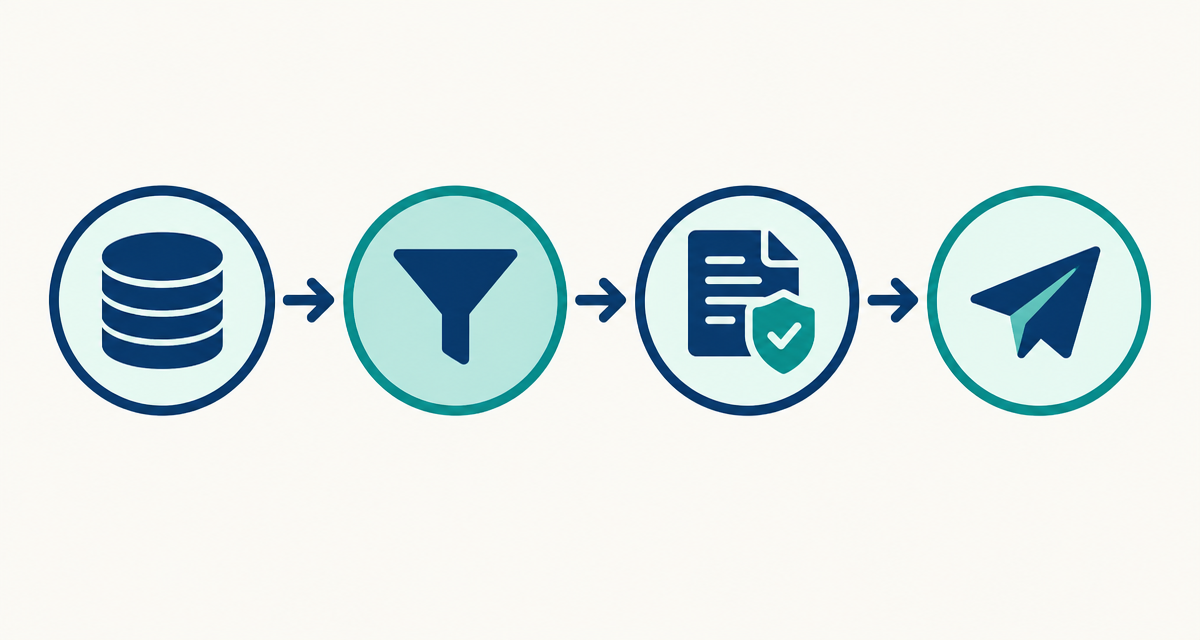
Purchasing a database does not automatically authorise marketing. Business information can include personal data, particularly where it identifies an individual or sole trader. Public availability alone does not settle whether your proposed processing or outreach is lawful.
Check the rules that apply to your market, recipient type and channel. Data-protection obligations and electronic-marketing requirements are related but distinct. A lawful basis for processing personal data is not necessarily permission to send an unsolicited email. Generic company inboxes can also be subject to marketing restrictions.
Plan privacy information, objections and suppression handling before launching outreach. Where you rely on legitimate interests, assess whether that basis is appropriate rather than treating B2B activity as an automatic exemption. Seek qualified advice if the applicable rules are unclear.
Finally, judge the purchase by usable, relevant accounts and the research effort required. Keep track of unsuitable records, outdated details and responses so your working list improves. A purchased file is a starting point for disciplined prospecting, not a shortcut around relevance or responsible contact.
Questions about buying business leads
Where to buy business leads for European markets?
Look for suppliers that explicitly cover your target countries and provide samples you can inspect. Kontabase offers downloadable company databases for 36 European countries. Compare the fields with your sales requirements, and distinguish company records from named contacts or qualified enquiries before choosing a source.
Where to buy business leads without a subscription?
A downloadable database is an option when you prefer a one-time purchase. Kontabase supplies company files in XLSX and CSV formats on that basis. Before buying, check the dataset scope, inspect the sample and confirm the purchase terms rather than assuming ongoing updates or additional services are included.
Where can I buy leads for my business if I need named decision-makers?
Evaluate contact-level providers or research services that explicitly offer the roles you need. Check their website for current coverage, features and prices, then inspect a sample. Kontabase company files do not include decision-makers or board members, so they are not a substitute for a dedicated person-level contact source.
Where can I buy leads for my business and test them first?
Choose a provider that lets you inspect sample records before committing. Kontabase offers a free 50-row sample and accepts any email. Use it to review columns, formatting and relevance to your market. A sample supports a buying decision, but cannot prove the quality of every full-database record.
What should I check before I buy sales leads?
Confirm what the seller means by a lead, then check territory, industry fields, contact availability, file format and purchase conditions. Identify missing information your process requires, such as employee count or named roles. Also plan qualification, CRM matching and the legal checks needed before using the data for outreach.
Does buying sales leads give me permission to email them?
No. Buying data and having permission to send marketing are separate matters. Check applicable data-protection and electronic-marketing rules for the country, recipient and channel. Where personal data is involved, assess your lawful basis and transparency obligations. Maintain suppression records and respect objections, seeking qualified advice when needed.
Test the sample before choosing your full database
Get the free 50-row company database sample, with any email accepted, and check the columns against your buying brief. If the data fits your prospecting process, choose the full country database as a one-time XLSX/CSV purchase and build a shortlist your team can research and qualify.