Best B2B data providers in Europe: which option fits your team?
The best B2B data providers in Europe serve different needs: company research, named-contact prospecting, financial analysis or straightforward spreadsheet exports. Choosing well starts with deciding which of those jobs you actually need done.
This guide compares eight options by their positioning, not an unsupported ranking. If you need company-level business email lists, a downloadable file may fit. If you need specific decision-makers, financial records or an integrated prospecting workspace, your shortlist should look different.
- European countries covered by Kontabase
- 36
- European countries covered by Kontabase
- rows in the free sample
- 50
- rows in the free sample
- purchase rather than a subscription
- 1
- purchase rather than a subscription
- Downloadable XLSX and CSV
- One-time purchase
- Sample accepts any email address
What makes a B2B data provider the right choice?
There is no universal winner because a company record and a contact record answer different questions. A company database helps identify businesses by location, legal identity and sector. A contact database aims to identify people within those businesses. Sales intelligence platforms may add research and prospecting workflows, while financial information services support a different kind of analysis.
Write down your essential fields before browsing vendors. A territory-planning project might require registry numbers, industry codes and addresses. A campaign aimed at a particular executive role needs person-level information. Supplier due diligence may require financial and ownership information that a basic contact file does not contain.
European coverage also needs a country-level check. A broad international proposition does not establish that a provider has suitable records for your chosen sector in every market. Ask to inspect relevant examples, clarify which fields are populated and distinguish registered companies from reachable contacts. Evaluate the data you can actually use, rather than a headline total.
How do these eight B2B data providers compare?
The following shortlist groups established options by their publicly known positioning. It is not a quality ranking or a claim that they offer equivalent products. For current coverage, access arrangements, export rights and product details, check their website.
Dun & Bradstreet and Orbis deserve consideration when business research extends beyond finding an inbox. Cognism and Lusha are more relevant starting points when the task centres on people and prospecting. Apollo.io and ZoomInfo warrant assessment when data needs to sit within a broader sales or marketing workflow.
Kompass offers a directory-oriented route to discovering companies. Kontabase takes a file-based approach for teams that want company records to work with independently. For a closer look at those different approaches, read Kontabase vs Apollo and Kontabase vs ZoomInfo. Neither comparison replaces checking the current product terms.
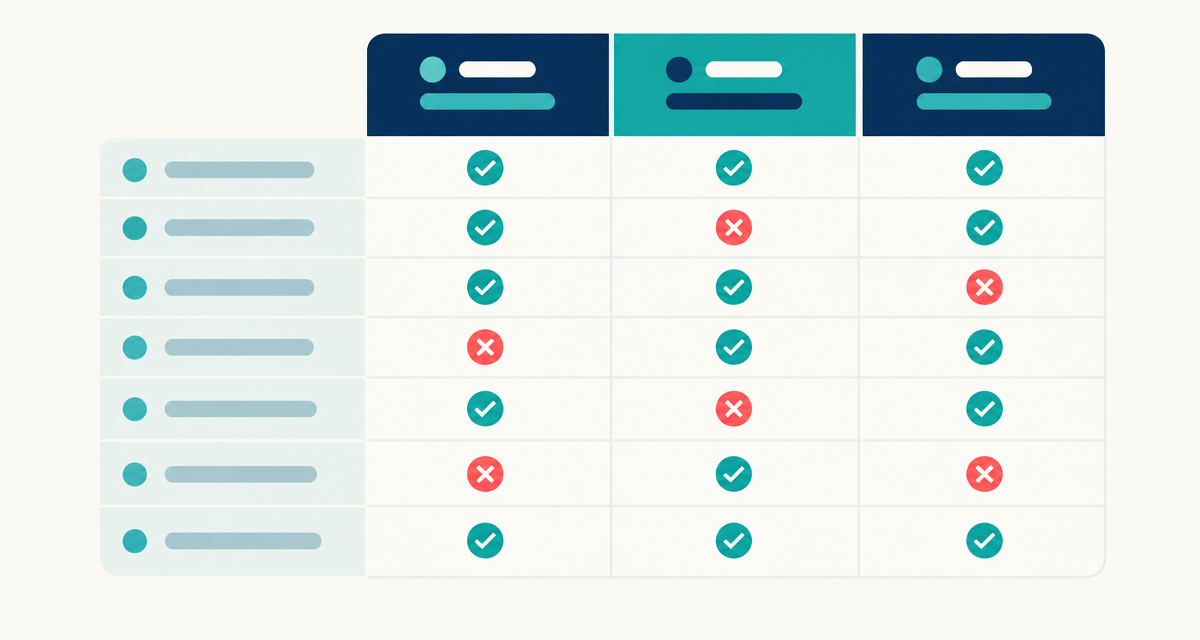
| Provider | Publicly known positioning | What to investigate |
|---|---|---|
| Dun & Bradstreet | Business information, commercial intelligence and risk insights | Whether the relevant product supports your research or prospecting task; check their website. |
| Bureau van Dijk Orbis | Company information and financial research | Availability of the company, ownership and financial information you need; check their website. |
| Cognism | B2B sales intelligence and contact data | Coverage of your target roles, markets and prospecting workflow; check their website. |
| Lusha | B2B contact and company data for prospecting | Contact availability, enrichment options and usage terms; check their website. |
| Apollo.io | Sales intelligence and sales engagement | How data access, outreach features and exports fit your process; check their website. |
| ZoomInfo | Go-to-market intelligence for sales and marketing | Relevant data products, market coverage and integrations; check their website. |
| Kompass | Business directory and B2B company discovery | Sector classifications, local listings and available contact information; check their website. |
| Kontabase | One-time downloadable company databases in XLSX and CSV | Company-level fields and sample suitability; no decision-makers. Check their website. |
When is a downloadable company database enough?
A file can be sufficient when your immediate task is to map a market, create an account shortlist or organise companies by territory. You can review columns in a spreadsheet, match registry numbers against existing accounts and decide which organisations deserve further research. You do not necessarily need a prospecting platform for that work.
Kontabase sells one-time XLSX and CSV files covering 36 European countries. Its fields are company name, registry number, legal form, address, city, postcode, email, phone, industry code and registration date. Review the sample to understand the layout and assess contact availability rather than assuming every field is populated in every record.
The limits are important: Kontabase does not include revenue, employee count, board members or decision-makers. It is not suitable on its own for selecting companies by turnover or finding a named purchasing director. Those tasks need additional research or a different provider.
A company database for sales therefore makes most sense as an account-selection resource. For broader territory work, a European company database can help structure your research. In either case, the file supplies records to evaluate, not evidence that a business needs your product.
Where can you find European B2B data, including free sources?
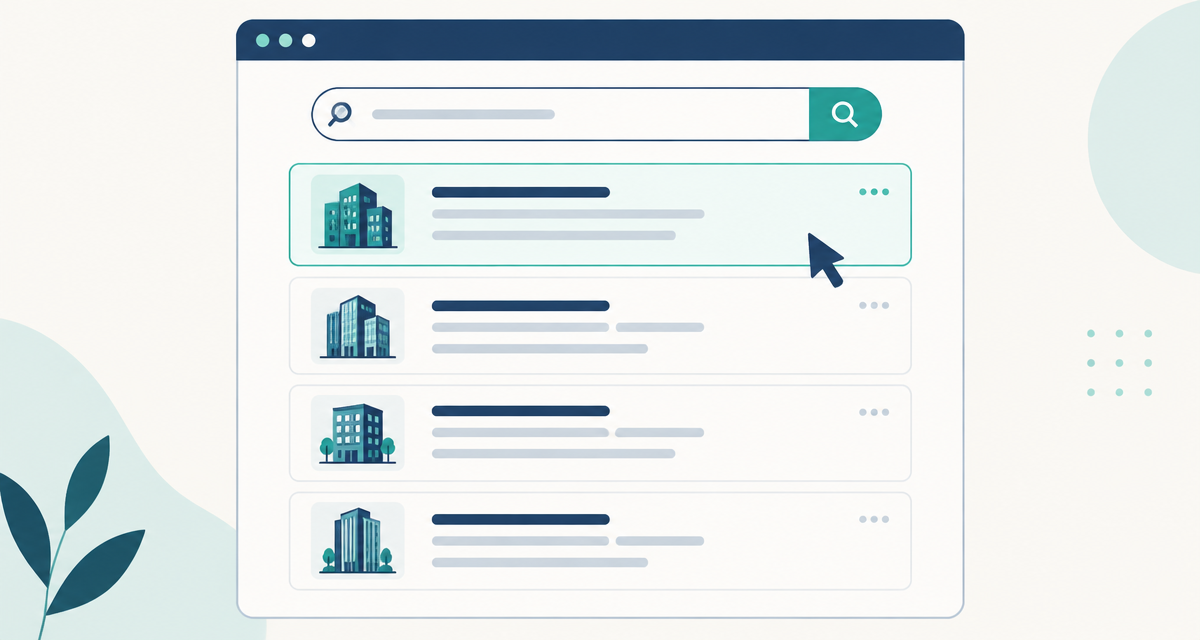
Start with the source that matches your question. Official registers can help establish a company's legal identity; company websites can provide context and published contact routes. Commercial services offer different ways to search, organise or obtain data. Free access does not necessarily include bulk downloads, contact details or unrestricted reuse.
- 1
Find the relevant official business register
Use the official register for the jurisdiction where the company is registered. Basic searches may be free, while documents, bulk access and available fields vary. Check the register's own access and reuse terms.
- 2
Inspect the company's own website
Review contact pages and legal notices to understand the business and its published contact channels. A registered address and an operating location may differ, so keep their purposes separate.
- 3
Select commercial providers by task
Use the comparison above to distinguish company research, contact discovery and sales workflow tools. Ask about your target countries and industries rather than relying on general European coverage.
- 4
Request a sample or relevant demonstration
Inspect records that resemble your target market. Kontabase offers a free 50-row sample and accepts any email address. For other providers, check their website for available evaluation options.
- 5
Check how the data will enter your workflow
Confirm file formats, export permissions and any integration requirements before committing. Test whether you can preserve identifiers, import characters correctly and separate unsuitable records from your working list.
How should you test B2B data suppliers before buying?
Use a written acceptance checklist so each supplier faces the same questions. Start with country, sector and entity type, then assess the fields needed for your workflow. A provider can be suitable for one market and unsuitable for another without either conclusion being a verdict on its entire service.
Inspect the distinction between companies, branches and contacts. Check whether identifiers make matching practical and whether the industry classification is useful for your segmentation. For contact-focused work, clarify whether addresses are general company inboxes or associated with named people. An email field alone does not establish seniority, relevance or deliverability.
Ask how information is sourced, maintained and corrected. Clarify what an update date refers to: the dataset, a record or a particular contact field. Review retention and export terms, cancellation conditions where relevant, and what happens to downloaded data when access ends. Do not assume identical rights across services.
Finally, test the operational fit. Import a sample, inspect accented characters, preserve phone formatting and check for duplicates against your own records. Record unresolved gaps before purchasing. This makes the decision about usable information and manageable work, rather than an impressive feature list.
What should you check before using purchased data for outreach?
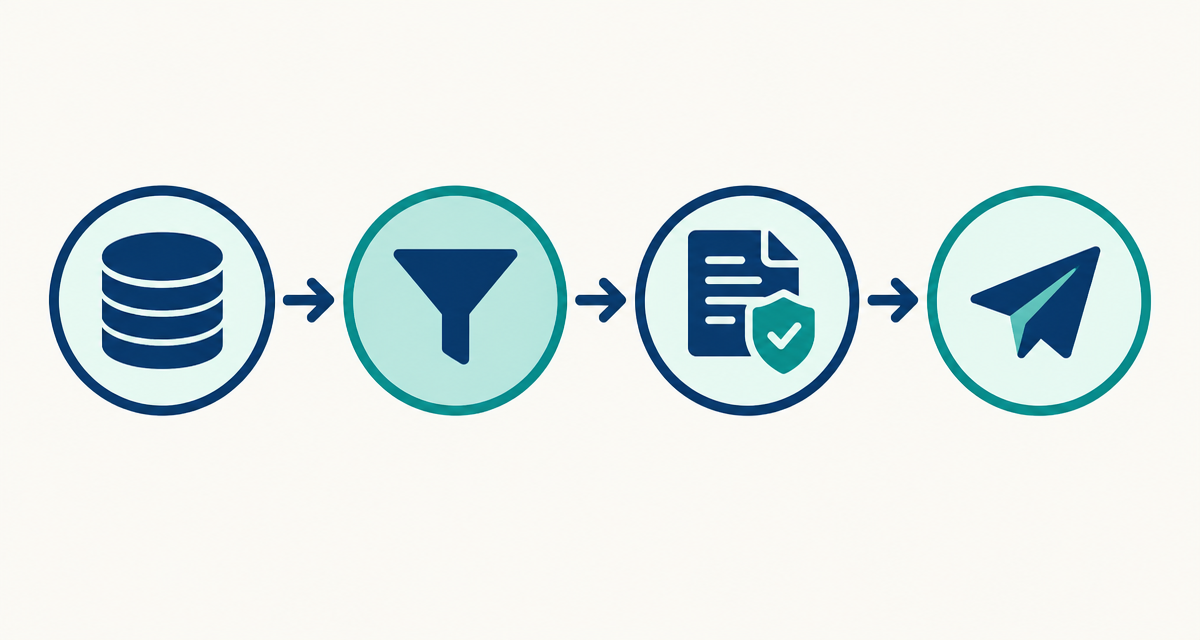
Purchasing data does not automatically give permission to contact everyone in it. Business records can contain personal data, particularly where they identify employees or sole traders. Where GDPR applies, establish an appropriate lawful basis and meet the relevant transparency, security and rights obligations.
Electronic marketing requirements also vary by country, channel and recipient type. A legitimate-interest assessment is not a substitute for checking whether consent is required for a particular campaign. Public availability alone does not settle either question. Maintain suppression records and respect objections when planning subsequent outreach.
Keep selection and activation separate: first identify relevant companies, then verify the proposed contact route and applicable rules. Ask suppliers for explanations you can assess, rather than treating a general compliance label as a guarantee. Seek qualified legal advice where your intended use is uncertain.
Questions about choosing B2B data providers
How should I compare B2B data vendors?
Compare vendors against the same written requirements: target countries, sectors, essential fields and intended use. Inspect a relevant sample or demonstration, then check export rights and data maintenance practices. Separate company discovery from named-contact prospecting, because a strong company dataset may not provide the people your sales process requires.
Do B2B database providers include decision-makers?
Some providers focus on named business contacts, while others supply company-level information or financial research. Check the specific product rather than assuming every database includes job titles and direct contact details. Kontabase does not include decision-makers or board members; its files are designed around companies and their business information.
Can B2B data suppliers replace official registers?
Commercial suppliers can make information easier to organise and use, but official registers remain important for checking registered legal details. Available register fields, fees and access conditions vary by jurisdiction. Use the relevant official source when a legal identity check matters, and assess commercial datasets separately for your operational needs.
What is the best B2B contact database for Europe?
The best choice depends on whether you need company contact channels or named individuals in particular roles. Assess coverage in your actual target markets, not Europe as a single category. Compare sample relevance, field availability, permitted use and workflow fit before deciding which provider best supports your outreach process.
Are there B2B database providers without a subscription?
Yes. Kontabase sells company databases as one-time XLSX and CSV purchases rather than subscription access. The files cover 36 European countries and contain company-level fields, not decision-maker profiles. Start with the free 50-row sample to evaluate the structure and suitability before choosing a full database.
How can I assess B2B data vendors with a free sample?
Use the sample to inspect the actual columns, identify missing information and test importing records into your workflow. Check whether the company identifiers, industry codes and contact fields support your intended task. Kontabase provides a free 50-row sample and accepts any email address; a sample is an evaluation aid, not a performance guarantee.
Start with a sample, then choose the full database
If company-level data fits your requirements, get Kontabase’s free 50-row sample using any email address. Inspect the columns and test your workflow before purchasing the full database as a one-time XLSX or CSV file. If you need named decision-makers or financial fields, assess a provider designed for those requirements instead.