What is B2B data? Understanding company records, leads and email lists
B2B data is information about businesses and their commercial relationships, used to research markets, identify potential customers and manage accounts. It can describe a company, provide a contact channel or record an interaction with your team. If you are comparing business email lists, understanding these distinctions helps you choose the right information. A company record, an email address and a qualified sales lead serve different purposes; none automatically guarantees the others.
- European countries covered by Kontabase
- 36
- European countries covered by Kontabase
- in the free sample
- 50 rows
- in the free sample
- one-time purchase, rather than a subscription
- 1
- one-time purchase, rather than a subscription
- Downloadable XLSX and CSV
- One-time purchase
- Sample accepts any email address
What does B2B data actually describe?
B2B means business-to-business. The data helps an organisation understand other organisations rather than individual consumers. Basic company information includes names, registered addresses, legal forms and industry classifications. Contact data provides ways to reach a business, while relationship data records what has happened between that business and your team.
These categories overlap, but they should not be confused. A registry number helps establish which legal entity you are researching. An email address provides a possible communication channel. A reply discussing a purchase requirement tells you something about commercial interest. Each supports a different decision, and each needs its own checks.
B2B data can come from your own operations or external sources. Enquiries, customer records and meeting notes are internal examples. Official registers and purchased company files are external examples. Combining them can help organise account research, provided you retain source information and understand the limits of each field.
For example, a supplier researching manufacturers might use industry codes to create an initial shortlist, then consult company websites to understand their activities. The data reduces the scope of the search; it does not replace research into whether the supplier's offer is relevant.
How do databases, leads and email lists differ?
A B2B database is an organised collection of business records. It may be a spreadsheet, a CRM dataset or a searchable service. An email list is a narrower collection centred on email addresses. A lead is a potential buyer, although organisations differ in how much qualification they require before using that label.
This distinction matters when assessing a product description. Some sellers use “leads” to mean company contacts; sales teams may reserve the term for prospects showing interest. Ask what a record actually represents instead of assuming that a contact list contains enquiries or active buying projects.
- Market research: prioritise business identity, industry and location.
- Account selection: combine company records with your own suitability criteria.
- Outreach preparation: assess contact details and applicable communication rules.
- Sales qualification: establish relevance, need and interest through further research and interaction.
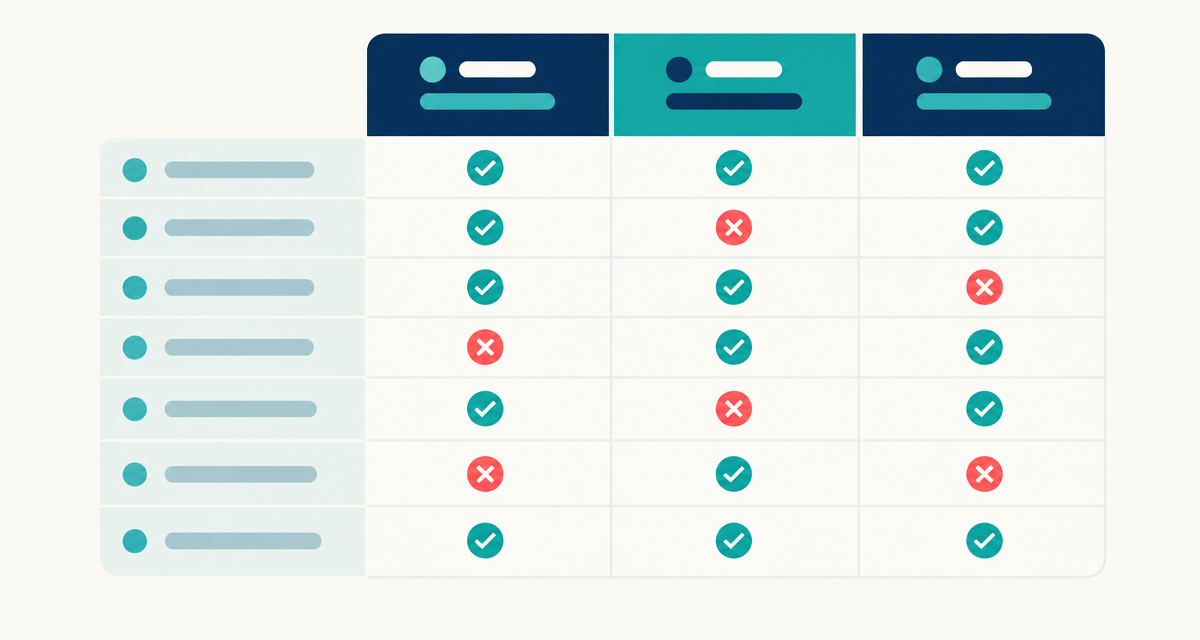
| Term | What it contains | What it does not establish |
|---|---|---|
| B2B data | Information about businesses, contacts or commercial interactions | Accuracy or suitability for every use |
| B2B database | Structured business records that can be searched or filtered | That every company is a relevant prospect |
| B2B email list | Email addresses associated with business records | Permission to send marketing or guaranteed delivery |
| B2B lead | A potential customer under a team's qualification criteria | An agreed purchase or guaranteed sale |
Which fields should a useful company database contain?
Start with the decision you need to make. Geographic targeting needs usable location fields. Sector research needs an industry classification. Matching external records to your CRM benefits from registry numbers, because company names can vary in spelling or presentation. Use country and registry context when matching entities across markets.
Kontabase supplies downloadable XLSX and CSV company files covering 36 European countries. Its fields include name, registry number, legal form, address, city, postcode, email, phone, industry code and registration date. These support company-level research and spreadsheet filtering. Inspect the sample to see the layout and assess contact availability rather than assuming every field is populated.
Revenue, employee count, board members and decision-makers are not included. If your targeting depends on turnover, workforce size or a specific executive, you need separate research or a different data product. Registration date is also not proof of when a company began trading.
A European company database can provide a starting point for cross-border research, but comparable-looking fields need interpretation. Industry classifications and legal forms can differ between jurisdictions. Document how you group records so colleagues understand what your shortlist includes and excludes.
Where can you find B2B data?
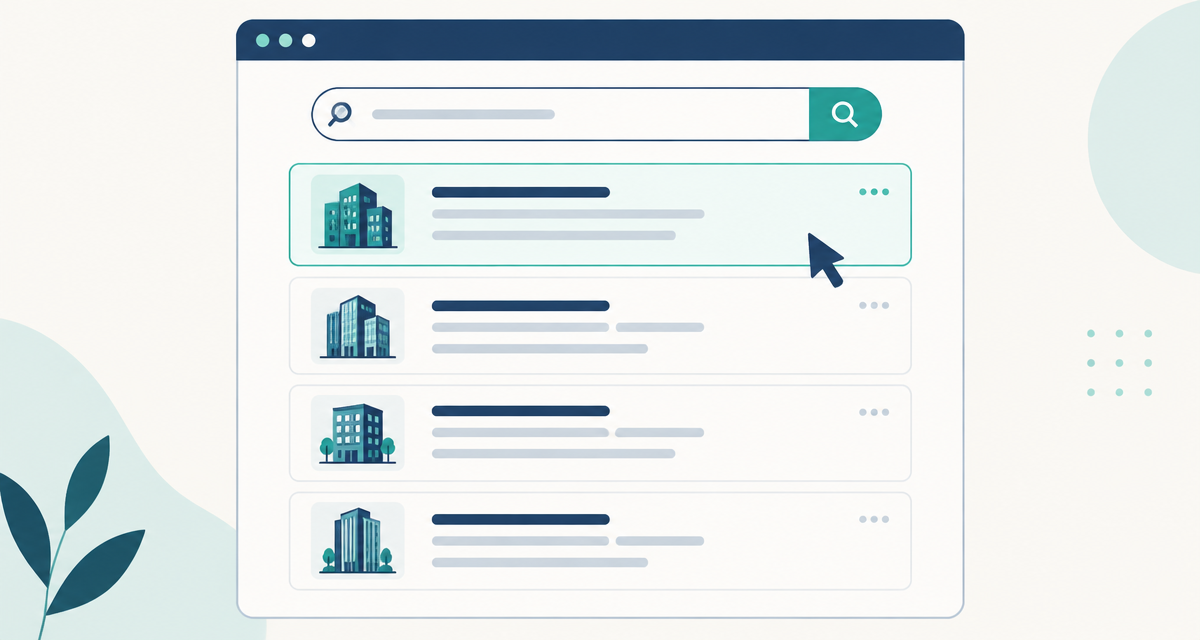
The right source depends on whether you need to verify a particular business or assemble a broader research list. Official registers are useful for legal identity checks. Company websites can provide business context and contact information. Downloadable files offer structured records for your own analysis.
Free access does not always mean unrestricted bulk downloading or reuse. Register search tools, available fields, document fees and access conditions vary by country. Commercial providers also differ in scope and delivery model; check their website for current pricing, terms and field definitions.
- 1
Define the information you need
Write down your target territory, industry and required fields. Separate essential information from details that would merely be useful.
- 2
Find the relevant official register
Use the jurisdiction's official business register to check legal identity and available registration information. Review its access and reuse conditions.
- 3
Consult the company's own website
Check how the business describes its activities and publishes contact details. Distinguish a registered address from an operating location.
- 4
Assess structured commercial sources
Compare coverage, field definitions, formats and sample availability. Ask how records are sourced and maintained rather than inferring quality from volume.
- 5
Test before choosing
Review representative records against your requirements. Kontabase offers a free 50-row sample and accepts any email address for the sample.
How do you turn company records into a working shortlist?
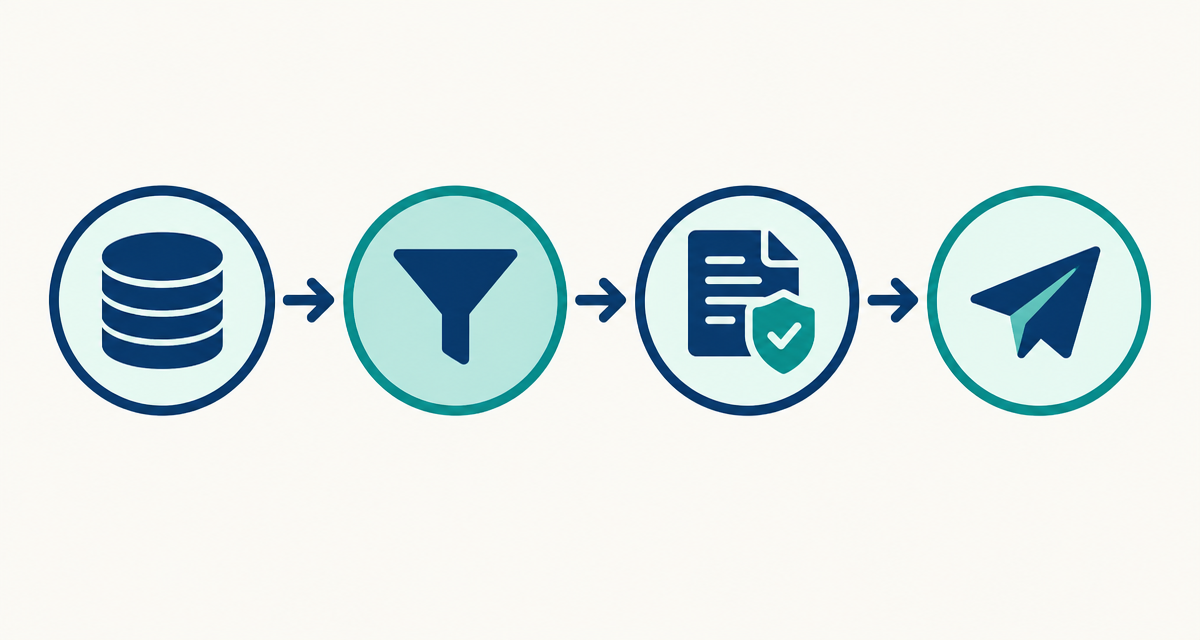
Keep an unchanged copy of your source file before editing. Import identifiers, postcodes and phone numbers carefully so spreadsheet software does not remove leading zeros or alter their presentation. Check column mapping before loading the data into a CRM, especially when existing fields have different meanings.
Filter by relevant geography, industry and legal form, then remove duplicates and existing accounts where appropriate. Review borderline records manually. An industry code is a useful starting point, but it may not capture every activity a business carries out or demonstrate demand for your offer.
A company database for sales supports account selection; your qualification process supplies the commercial context. For each shortlisted business, record why it fits, what still needs checking and which contact channel may be appropriate. Do not label a company sales-ready merely because it has an email address.
Track subsequent research separately from the original data. Record corrections, objections and contact outcomes so the working list becomes more useful over time. A purchased file is a snapshot, not a continuously updating CRM.
What should you check before using B2B data?
Assess fitness for purpose rather than looking for a universal quality label. Check identity matching, relevant coverage, missing fields and whether information remains current. A valid-looking email format does not prove an inbox exists, reaches the right person or welcomes your message.
Business data can also be personal data, particularly when it identifies a person or sole trader. Public availability does not remove data-protection obligations. Where personal data is involved, assess the lawful basis, transparency requirements, retention and individuals' rights.
Marketing rules are a separate consideration. Requirements for email and telephone contact vary by jurisdiction and recipient type. Legitimate interest is not blanket permission to send unsolicited marketing. Check applicable rules, honour objections and maintain appropriate suppression records. Seek qualified advice where your intended use is unclear.
Frequently asked questions about B2B data
What is a B2B database?
A B2B database is a structured collection of information about businesses. It can contain company identifiers, locations, classifications and contact details. Teams use it to research markets, organise accounts and select prospects. The format might be a downloadable spreadsheet, a CRM dataset or an online search service.
What is a B2B database used for?
It supports tasks such as territory planning, market research, account matching and prospect selection. The useful applications depend on the fields included. A company-level file can identify businesses to investigate, but it does not establish their purchasing needs, budgets or the identity of the person responsible for buying.
What are B2B leads?
B2B leads are potential business customers identified through research, enquiries or other interactions. Definitions vary: some teams count a relevant company as a lead, while others require demonstrated interest. Agree on qualification criteria internally so a purchased contact record is not confused with an active sales opportunity.
What is the difference between B2B leads and company records?
A company record describes a business; a lead reflects your assessment of its potential as a customer. A record can become a prospect through targeting and research, then progress through qualification. Buying company information does not mean the businesses have requested contact or expressed interest in your offer.
What is a B2B email list?
A B2B email list is a collection of email addresses associated with businesses, often accompanied by company names and other fields. It provides possible contact channels rather than proof of buying intent. Check relevance, address quality and applicable marketing requirements before using any purchased list for outreach.
What should a B2B email list include?
Useful supporting fields include company name, registry number, location and industry code, because these help establish context and relevance. Inspect a sample to assess the actual structure and contact availability. If you need named decision-makers, confirm that requirement explicitly; Kontabase's company files do not include decision-makers or board members.
Start with the sample, then choose your database
Get Kontabase's free 50-row sample to inspect the fields and test whether the structure suits your workflow; any email address is accepted. If it fits your research needs, choose the full company database as a one-time XLSX/CSV purchase and build your shortlist from there.